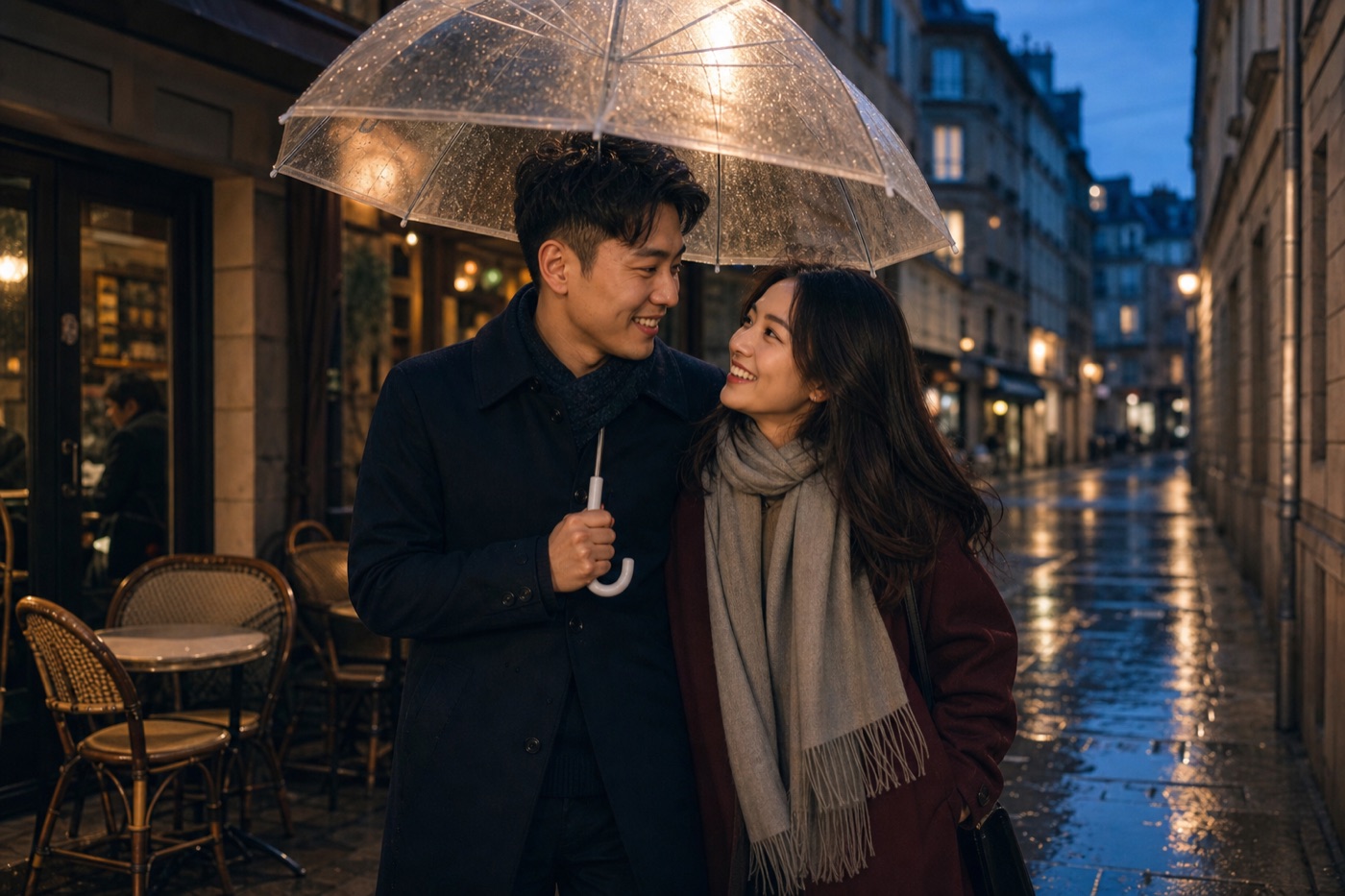
 Professional lighting
Seedream 5 Pro AI Image Generator
Professional image generation with rich lighting, polished detail and strong multi-reference control.
See Seedream 5 Pro in action
A flexible workspace for social content, campaigns and everyday ideas.
Professional lighting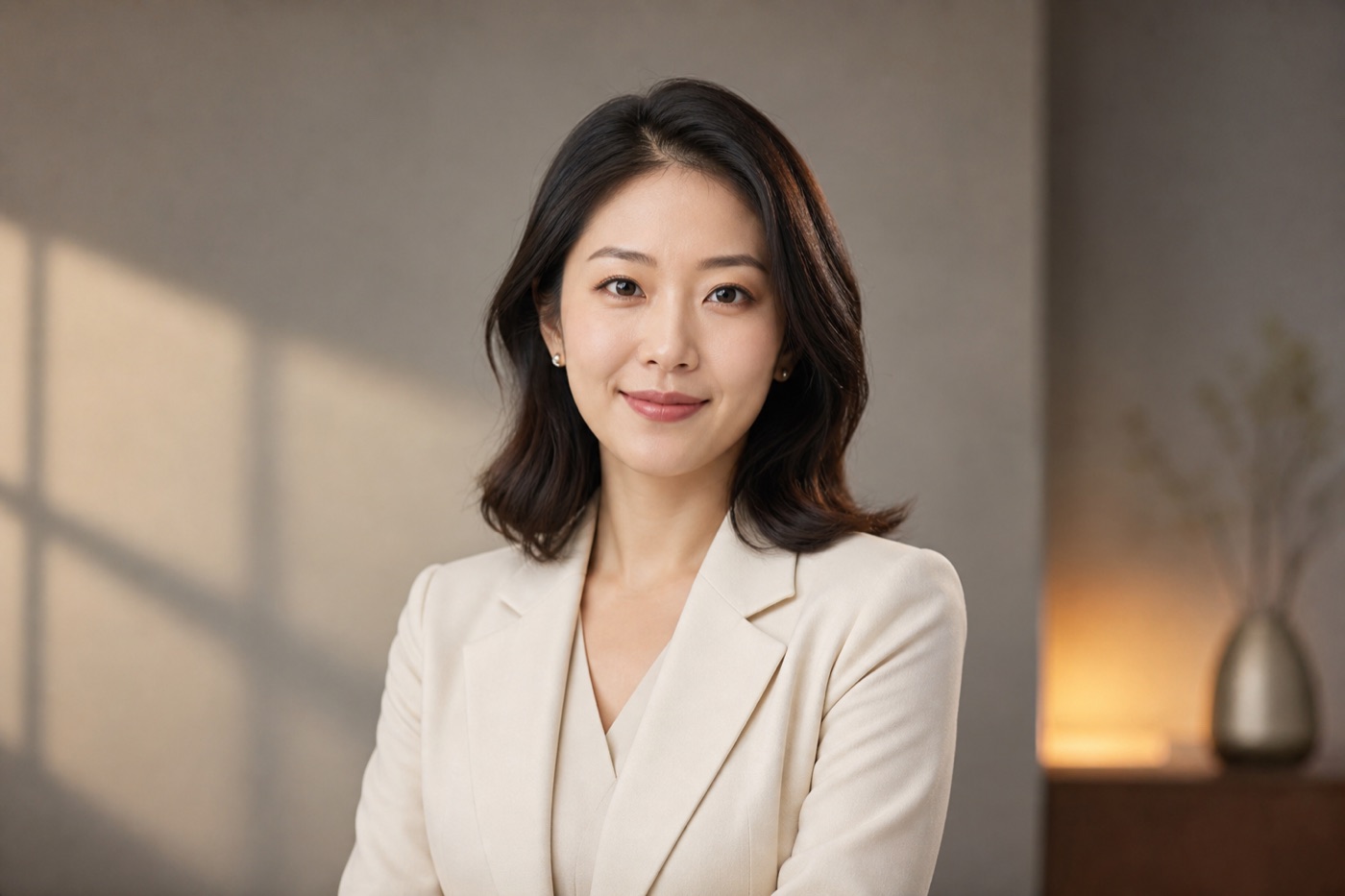 1K / 2K
 Multi-reference
Premium light
Build dimensional scenes with controlled atmosphere.
Detailed output
Preserve materials, surfaces and small design cues.
Art direction
Combine multiple references into one coherent frame.
Before you create
What is an AI text-to-image generator?
An AI text-to-image generator turns a written brief into an original image. In Cinel, you can describe the subject, setting, composition, lighting, camera language, materials, style, and aspect ratio, then choose a model that fits the level of speed or precision you need.
How do I write a better text-to-image prompt?
Start with a clear subject and setting, then add the visual decisions that matter most: framing, action, light, palette, material, mood, and output ratio. Keep the request specific but not contradictory, and refine one element at a time after you see the first result.
Can I create posters, product images, portraits, and social content?
Yes. Text to Image is suited to campaign concepts, product scenes, editorial portraits, thumbnails, posters, cards, and social variations. If an image needs exact brand marks, legal copy, or pixel-perfect typography, review and finish those details in your design workflow before publishing.
Which model should I choose for text-to-image?
Use the free Z-Image Turbo queue when you want to explore an idea quickly. Choose a premium model when the brief needs stronger reference handling, refined realism, detailed composition, or clearer text; the model picker shows the current credits and available settings before submission.
Do I need to sign in to use Text to Image?
Eligible free image generations can be tried without signing in. Sign in to keep a more reliable history, use available daily credits, buy credits, access membership benefits, and manage account-level creation settings.
Can I use text-to-image results commercially?
Commercial use depends on your plan, selected model, and the applicable terms. Paid Cinel workflows are intended for commercial projects, but you should verify the current policy before advertising, resale, client delivery, or use involving third-party brands and likenesses.
Can I edit or animate the image after it is generated?
Yes. Use the result as the next starting point in Image to Image, AI Image Editor, Background Remover, AI Uncrop, Image Upscaler, or Image to Video. This makes it practical to go from a first visual direction to finished campaign assets without rebuilding the idea from scratch.