

Template-led edits
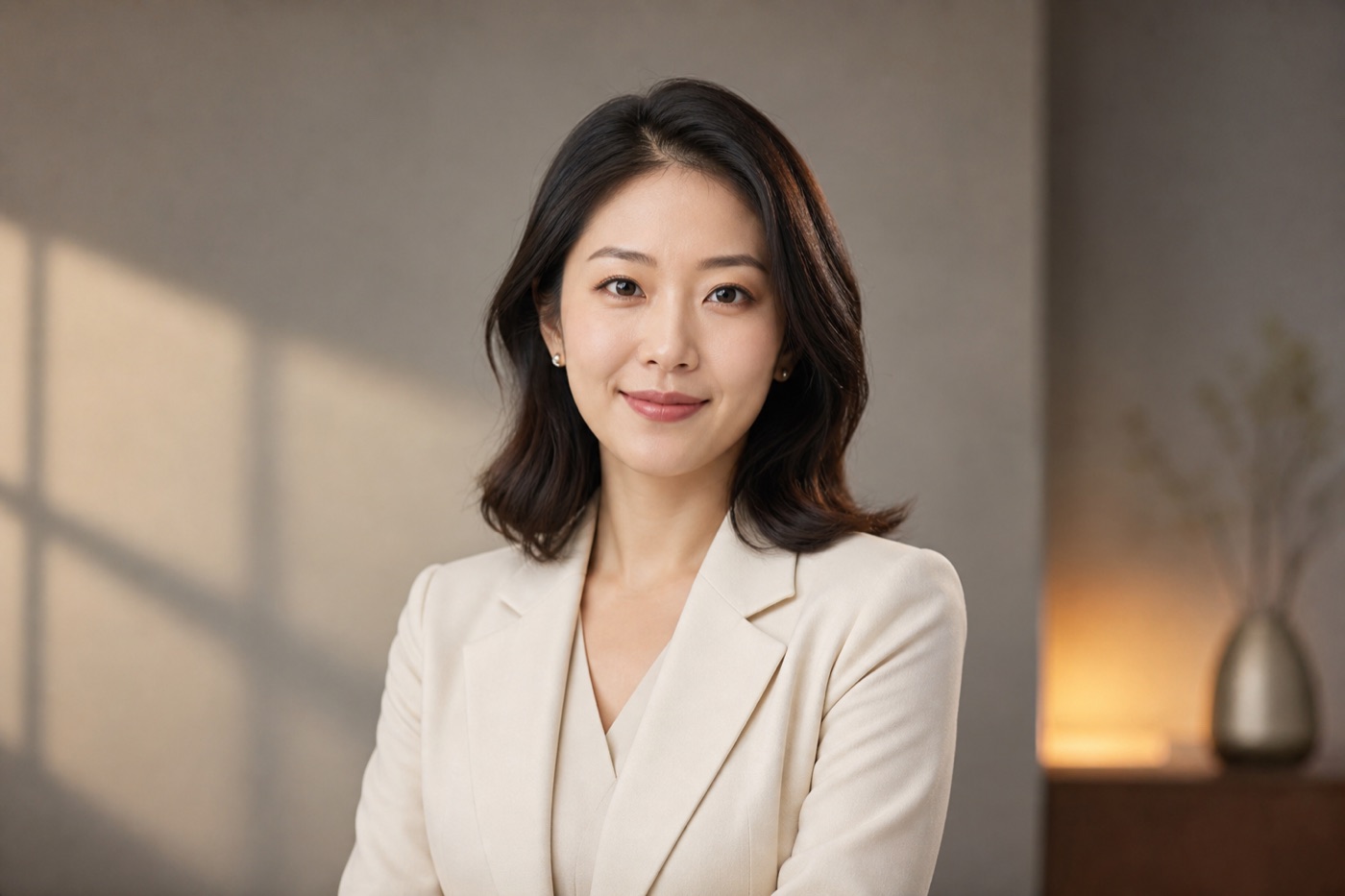
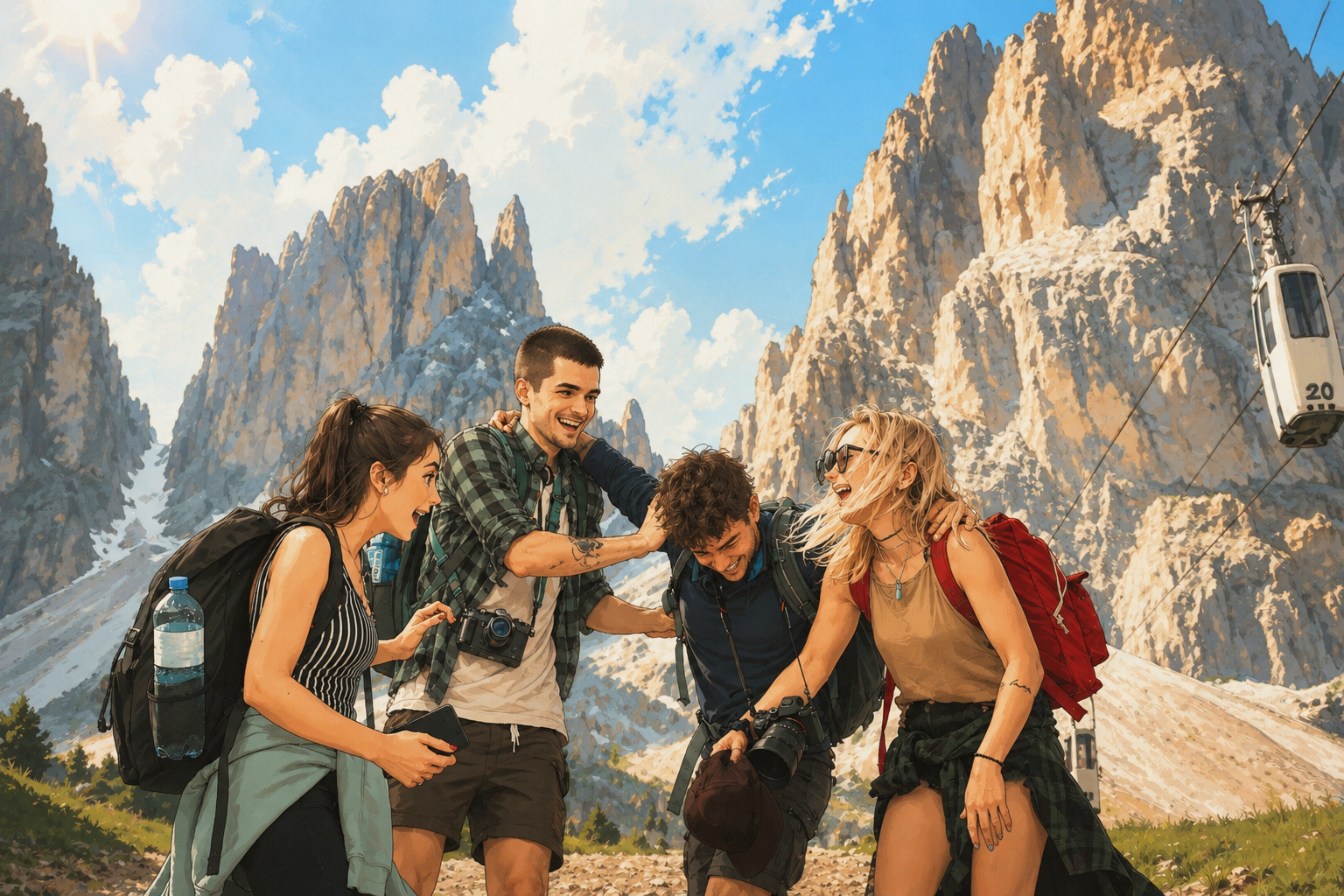
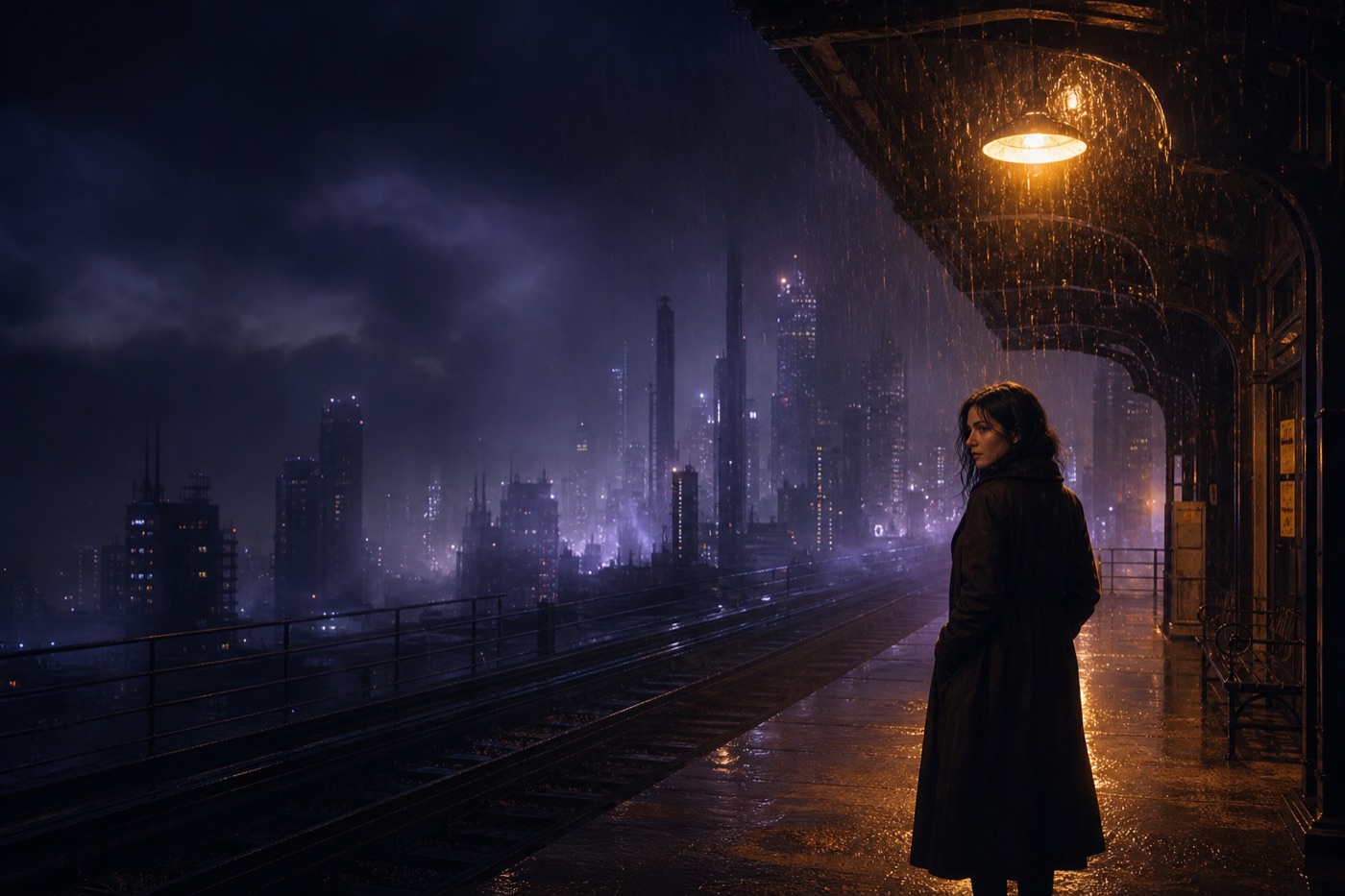
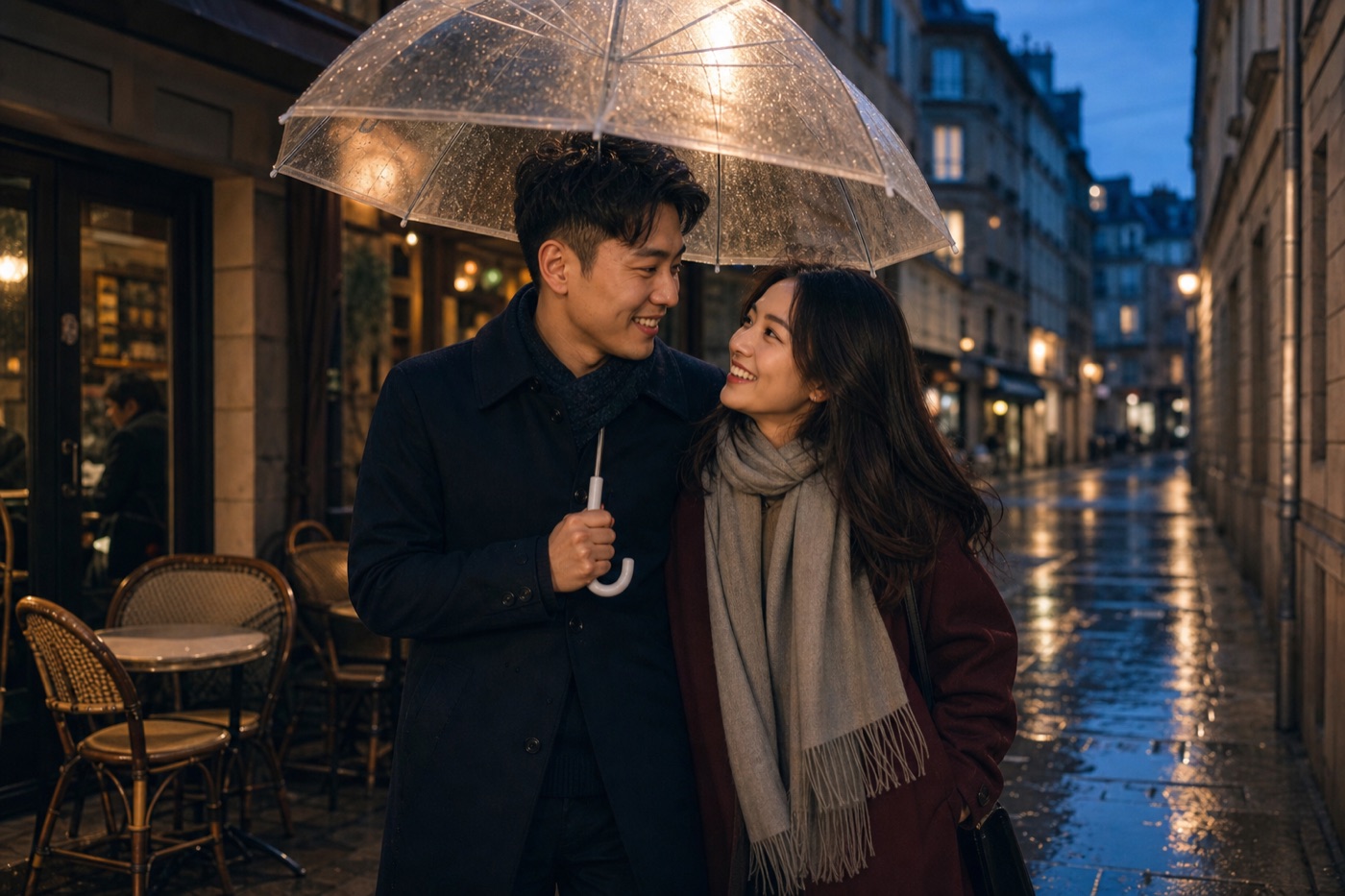
Choose a direction instead of starting with prompt engineering. Portrait, product, poster and character templates pre-fill the visual brief, so you only need to upload a reference and describe the change.
Restyle, relight and rebuild a reference image while preserving its subject and composition.
Switch models in the same panel and compare the look that fits your brief.
Create precise images, readable graphics and controlled edits with strong prompt adherence.
8 credits02Nano Banana 2A flexible generation and editing model for consistent characters, products and visual series.
23 credits03Seedream 5.0Professional image generation with rich lighting, polished detail and strong multi-reference control.
18 creditsUpload a reference, choose a visual direction and make the result yours with a short description.
Choose a direction instead of starting with prompt engineering. Portrait, product, poster and character templates pre-fill the visual brief, so you only need to upload a reference and describe the change.
Tell Cinel what must stay unchanged: face, product shape, pose, logo, colors or composition. Clear keep-and-change instructions make each variation more stable.
Use separate references for the subject, outfit, product, background or style when a model supports it. Describe the role of each image and let Cinel combine them into one frame.
Start with one reference, then create portrait, landscape, square and campaign variations. Send the result to editing, uncrop or video when the next frame is ready.
Upload one or more reference images, then use a prompt to change the style, scene, lighting or details while guiding the original subject and composition.
Cinel can try to preserve a face, pose, product shape, composition, colors or visual style. Exact pixel-level preservation is not guaranteed, so describe the most important details clearly.
Portrait restyling, product scene changes, background replacement, relighting, character consistency, poster variations and multi-reference composition are all strong use cases.
Yes. The available reference count depends on the selected model. Give each image a clear role, such as subject, outfit, product, background or style.
Use a clear unobstructed reference and write what must remain unchanged. Avoid mixing several conflicting instructions in one prompt; iterate with focused changes.
GPT Image 2 is a strong choice for precise edits and readable text. Nano Banana 2 is useful for multi-reference work. Seedream models are good for cinematic realism, portraits and brand visuals.
Cinel Turbo provides a fast way to test an idea. Premium models, higher output settings, priority speed, privacy and commercial rights depend on your plan and the selected model.
Yes. Open the result in AI Image Edit, Image Upscaler or AI Uncrop, or continue with another image-to-image variation from the same reference.